QuickBooks Power Up Spotlight: Relay Banking
Relay is a no-fee business banking platform that plays nicely with QuickBooks Online. If you want cleaner cash flow, fewer banking headaches, and a setup that makes bookkeeping easier, Relay is a solid Power-Up.
Activate Relay as a Power Up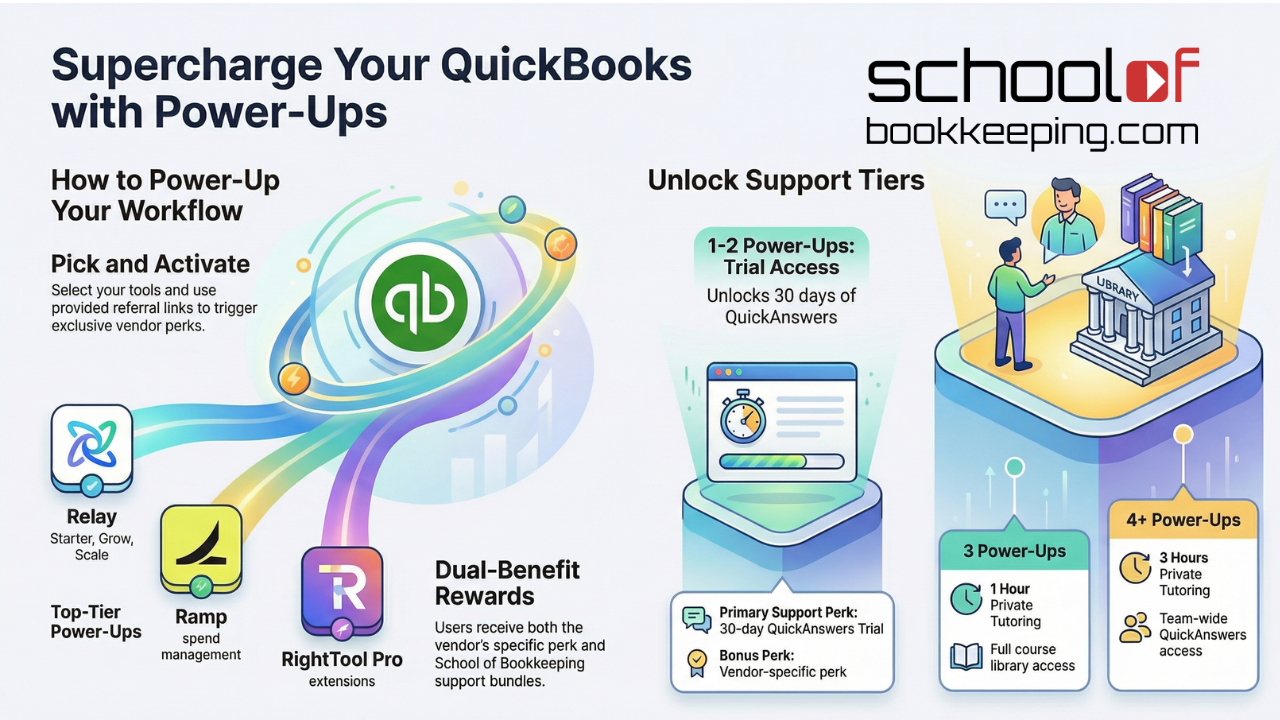
What's to Love about Relay?
Highlights from our Workshop discussing the core features of Relay
Why we recommend Relay
At School of Bookkeeping, we like tools that reduce busywork and make your books easier to manage. Relay checks those boxes.

One-stop shop for no-fee banking
Relay offers business banking without the surprise fees. You get the core features most small businesses need, without paying for the privilege.

Built-in bill pay
Paying bills should not require three logins and a spreadsheet. Relay includes bill pay so you can manage payments in one place.

Reliable connection to QuickBooks Online bank feeds
If you have ever had bank feeds break at the worst possible time, you know how disruptive it is. Relay is known for a strong connection to QuickBooks Online, which helps keep transactions flowing and reconciliation less painful.
How It Works
Pick Your Power UpsWhat you can do with Relay?
All features available in the Starter Tier - DO more with the Grow and Scale Tiers

Create Virtual or Physical Accounts
Organize your finances with up to 20 checking accounts
Perk: $50 Statement credit and discount on higher tiers
Create Virtual or Physical Accounts
Use separate accounts to support Profit First style cash flow allocation
Perk: Create Accounts and Spending Limits in seconds
Integrations that Work
Connect Relay with QuickBooks Online, and also integrate with tools like Xero or Gusto if that is part of your stack
Stay Organized
Centralize receipt collection to stay audit-ready and reduce the receipt chase
Who Relay is a great fit for?
Small business owners who want simple, no-fee banking
Streamlines QBO Workflows, customized bookmarks.
Perk: Discount on First Year
Businesses that want multiple accounts for budgeting, taxes, or Profit First
Anyone using QuickBooks Online who wants a more reliable bank feed experience
How to get started


Set up the checking accounts you want (for example, Income, Taxes, Owner Pay, Operating)

Connect Relay to QuickBooks Online and confirm your bank feeds are pulling in cleanly
Can I add these power ups if I already have a QuickBooks Subsciption
Do the schoolofbookeeping perks go away?
Do I need to switch services (Ramp, Relay, QB Payments) if I'm using something else
Some of these power ups have a free and paid option. Which do I choose?
Become a Partner of Relay